
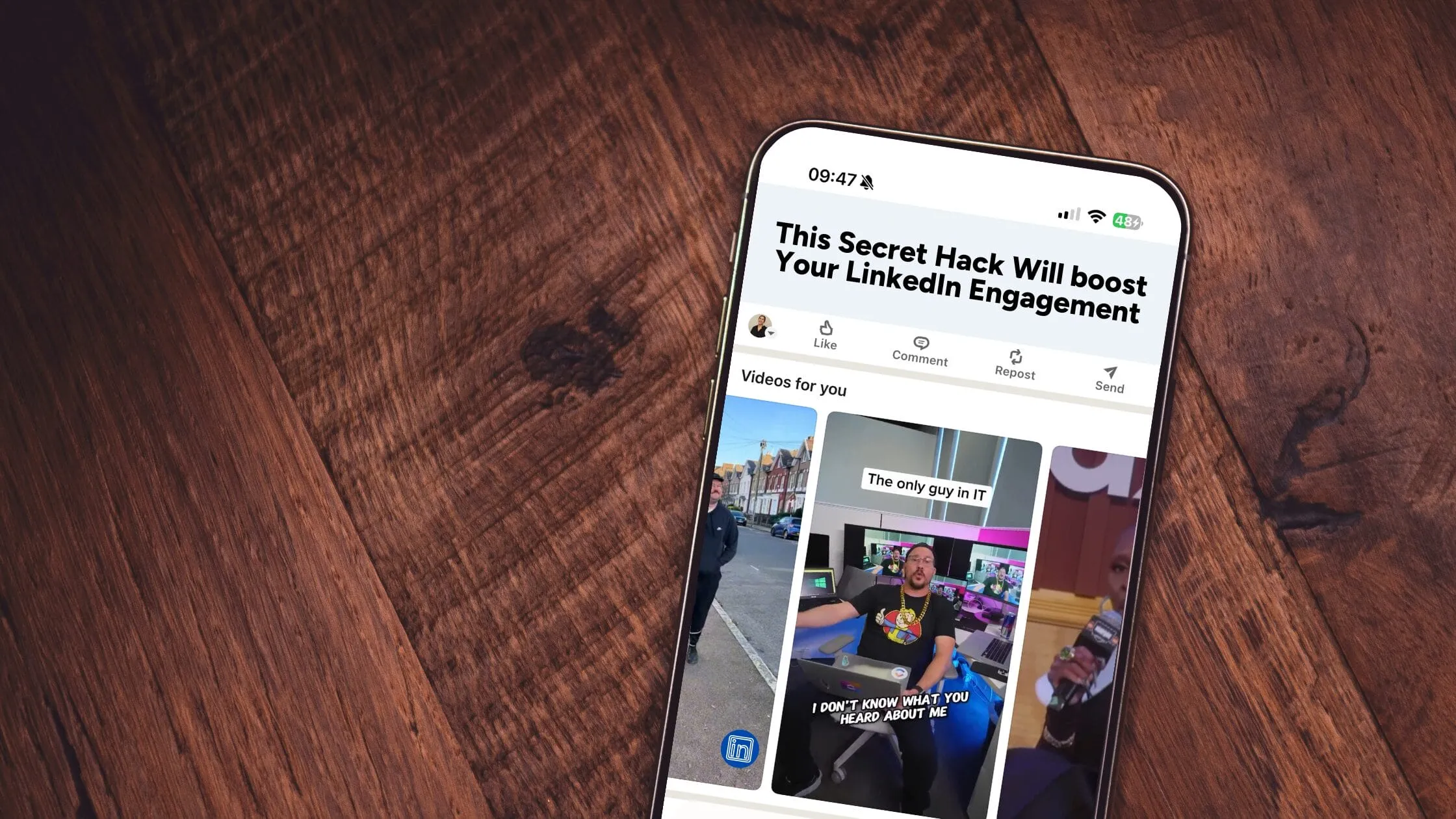
We know why your LinkedIn posts aren’t performing, and it’s not the content.
When it comes to LinkedIn content strategy, most brands focus on headlines, copy, and targeting. But there’s one critical element hiding in plain sight that could make or break your post’s performance: the thumbnail.
Your thumbnail is the first thing people notice in a crowded LinkedIn feed. It’s your chance to grab attention and spark curiosity. But too often, brands overlook this small detail and miss out on a big opportunity to stand out.
Why Thumbnails Matter
On a platform like LinkedIn, where professionals scroll with intention, your thumbnail has a split second to grab attention. With LinkedIn’s growing emphasis on video content—such as the introduction of the ‘Recommended Video Tab’ and the option for users to display only videos under their profile’s activity sections—thumbnails have become even more critical.
LinkedIn allows you to add a custom thumbnail (still or GIF) for all videos. Thumbnails are crucial for many reasons, one of the most important being SEO. They’re viewable in key areas like the video tab on your profile and the recommended video shelf. In the shelf, the first video auto-plays, but others rely entirely on their thumbnails to drive engagement. This is why taking the time to create a GIF thumbnail can be especially effective in capturing attention.
When done right, thumbnails act as a mini billboard for your content, enticing professionals to pause, engage, and take action. A compelling thumbnail can:
Make your brand stand out in a sea of sameness.
Drive curiosity and clicks.
Establish professionalism and credibility.




Hi, this is a comment.
To get started with moderating, editing, and deleting comments, please visit the Comments screen in the dashboard.
Commenter avatars come from Gravatar.